How to make your own yearbook, a real step-by-step guide.
You don’t need special software to make your own yearbook. Here’s a real, honest guide to doing it digitally with tools like Canva, or entirely by hand with a printed photo album, plus where each path gets harder than it sounds.
Written by Philip · Published August 8, 2026
You don’t need special software to make a yearbook. Between your phone’s camera roll, a voice memo app, and a few free tools, you already have almost everything required. What you don’t have is a system for turning all of that into something finished, which is the part this guide actually walks through.
This works whether you’re doing it for yourself, a friend group, or a specific trip or event, and whether you’re working from a phone, a laptop, or both. Here’s how to do it with the tools you already have.
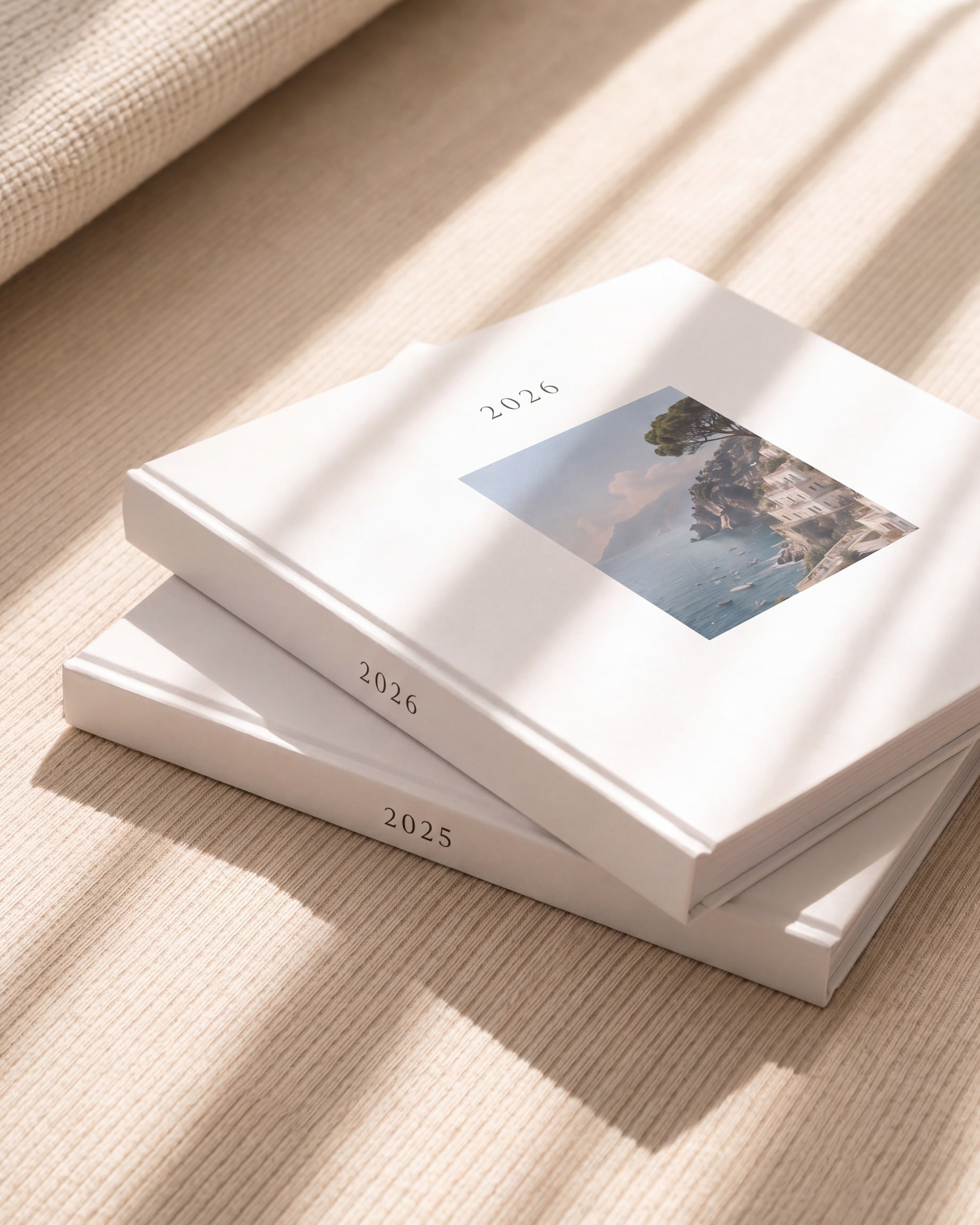
What you need before you start
Whichever path you take, the raw material is the same: photos from your camera roll, a rough sense of the year or event you're covering, and something to write or record your own words with, a notes app or a voice memo is plenty. Nothing else is required to begin.
Path one: build it digitally with a tool like Canva
Canva, and tools like it, are free, flexible, and don't require any design background. For a single spread or two, this genuinely works well.
- 1Pick a yearbook or photo book template
- 2Sort your photos into folders by month or event
- 3Drop your photos into each spread and adjust the layout
- 4Add captions in text boxes
- 5Print it directly through Canva Print, or export a PDF if you want a different printer, paper, or binding
Where it gets harder than it looks: a real year is 40 to 100 photos, not 10, and each one needs its own layout decision, resized, cropped, positioned. Every spread is a separate design choice, which adds up to hours of manual layout work, not minutes. There's no year-round place to keep adding to it as your year happens, so most people end up doing the whole thing in one sitting in December, working from a camera roll that's already hard to sort through. Canva can print the finished result directly, but the design work above still has to be finished first either way.
Getting other people involved is the hardest part. If you want a friend to add a note to a specific page, you're either sharing edit access to the whole document, which means they can see and change everything, not just their page, or you're collecting their words over text and typing them in yourself.
Path two: build it entirely by hand
A physical, hand-assembled album skips the software problem entirely: photos, captions, maybe some decoration, real and tactile from the start.
- 1Choose your photos and get them printed, through a photo printing service, a pharmacy kiosk, or a camera shop
- 2Buy a blank album or scrapbook
- 3Arrange and attach the photos, gluing, taping, or sliding each print into place
- 4Write your reflection directly on the page or on an inserted card
- 5Pass the album around, or mail specific pages, if you want anyone else to add a note
- 6Store it somewhere safe once it's done, since there's only one physical copy
Where it gets harder than it looks: steps 3 and 4 are unforgiving. A misprint, a crooked photo, or a typo in a handwritten caption usually means redoing the whole page, since there's no undo with glue and ink. Step 5 is the real bottleneck if your friend group isn't local, mailing a one-of-a-kind object and hoping it comes back intact is a real risk, not a hypothetical one. And step 6 matters more than people expect: water damage, a moving box gone missing, or a curious toddler with a marker can undo months of work, with no backup copy anywhere.
Where both paths run into the same problem
Different tools, same failure points. Both approaches ask you to reconstruct an entire year from scratch in one sitting, usually in December, instead of building gradually as the year happens. Both make it genuinely hard for anyone else to contribute their own version of a shared memory without a lot of back and forth. And both end somewhere a little fragile: a Canva file living in an account you might not keep forever, or a one-of-a-kind physical object with no digital copy if anything happens to it.
None of that makes either path a bad idea. Plenty of people finish a Canva photo book or a handmade album every year and are genuinely happy with it. It just means the friction is real, and worth knowing about before you start, not three hours into formatting a December spread.
A third path: build it however you actually work
Yeerbook exists because of exactly those two friction points: the one-sitting scramble, and getting other people's contributions without turning it into a project-management problem. Neither one is solved by forcing you into a single required workflow, so it doesn't.
You can add photos and reflections whenever something's worth keeping, all year, the same way the gradual approach works in either path above. You can also sit down once, near the end of the year, and build the whole thing in a single pass from your camera roll, the same way most people actually use Canva or a blank album. Both produce the same finished book. The layout is handled automatically either way, so there's no separate formatting pass whether you add one page a week or forty pages in an afternoon.
When you want someone else's side of a memory, you tag them, and they get a private link to that one page, no shared file, no mailing an album, no account required on their end.
At the end of the year, it prints as a real hardcover, the same physical result as the handmade album, without the one-sitting scramble being the only option, and without the fragility of a single physical copy or an account you might not keep.
For a shorter walkthrough of that third path, see how yeerbook works, or compare it directly against Canva and a hand-assembled album.
Comparison at a glance: DIY by hand vs Canva vs yeerbook
How the three ways to make your own yearbook compare across layout effort, friend signatures, privacy, and finished result.
| Dimension | By hand (DIY album) | Canva (DIY digital) | yeerbook |
|---|---|---|---|
| Layout and formatting | Cut, arrange, and glue printed photos by hand on every page | Manually drag, crop, resize, and align boxes across 40 to 100 pages | Automatic editorial layouts as soon as you add photos and words, with edit tools to adjust anytime |
| When you build it | Usually in one big batch once prints arrive | Usually in one multi-hour sitting at the end of the year | Either gradually as the year happens or all at once from your camera roll |
| How friends sign and contribute | Pass the physical book around in person or mail it and hope it returns | Share full edit access to the file or copy-paste messages from texts yourself | Share a private link per memory; friends sign, draw, or add stickers from their phone with no app or account needed |
| Privacy | Physical object in your home, with no backup copy if lost or damaged | Stored in a cloud design account; shared editors can see the whole document | End-to-end encrypted personal book; signers only see the specific memory you shared |
| Finished keepsake | One handmade album | Digital file, plus optional third-party or Canva printing | 21x30 cm (A4) matte hardcover on archival-quality paper, plus a digital book |
| Cost | Separate costs for photo prints, blank album, pens, and adhesive | Free software, plus per-page print and shipping fees when ordering | $129 one-time purchase for up to 120 pages, worldwide shipping included |
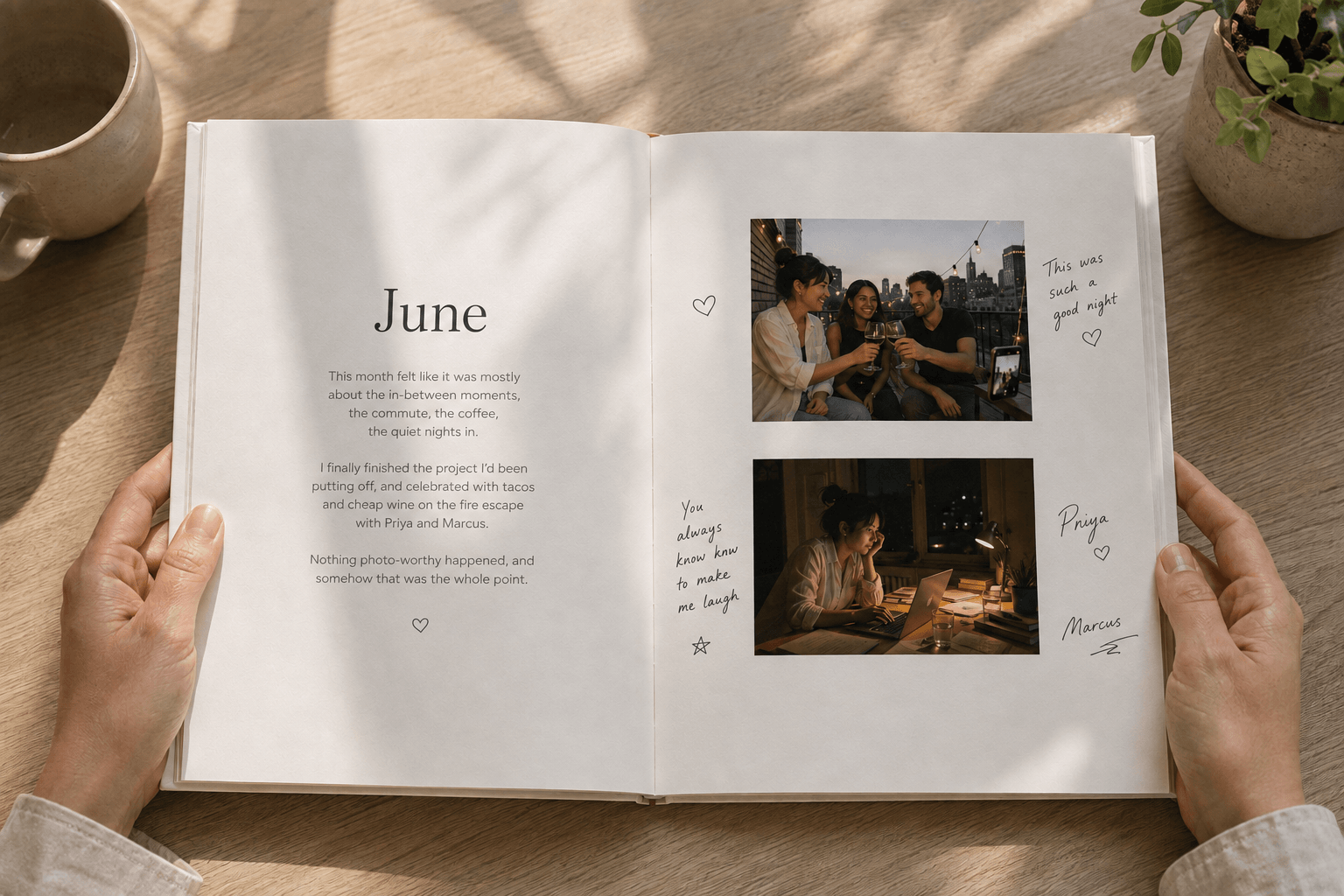
Frequently asked questions
Is a hand-assembled photo album cheaper than a printed yearbook?
Sometimes, depending on how many photos you print and which album you buy, but the cost is spread across several separate purchases, prints, album, shipping, rather than one price, and it doesn't include anyone else's contributions.
Can I use Canva for a few pages and something else for the rest?
Yes, nothing stops you from mixing approaches. Most of the friction described here shows up regardless of which combination you use, since it comes from doing it all in one sitting and coordinating other people manually.
What's the fastest way to start if I'm beginning from scratch today?
Pick a handful of photos that matter most, write a line about each, and start there, in whichever tool you're using. The finishing steps, formatting, printing, collecting contributions, take the most time in every approach, so the fastest path is just starting before you've fully planned it out.
Do I need to pick one method and stick with it for the whole year?
No, but switching methods partway through usually means redoing earlier pages in the new format, which is its own kind of friction. Deciding upfront saves the most time.
Do I have to build a yearbook gradually, or can I do it all at once near the end of the year?
Either way works, in any of the three approaches described here, including yeerbook. Building gradually tends to produce more honest, detailed reflections, since memory fades over months, but there's no requirement to do it that way. Plenty of people start in November or December and build the whole year in one sitting.
Ready for the yeerbook-specific version?
This post compares the paths. For the actual step-by-step once you’ve decided, see How to build your yeerbook, start to finish.
Related reading
Skip the one-sitting scramble.
Add your first photo now, and let the rest of the year fill in as it happens.
Try free for 60 days. No credit card required.
Gift a yeerbook